Powerful WordPress Gallery Plugin
Trusted by 20,000+ happy customers



| Website Quantity | Price per License |
|---|---|
| 1 Website | $29.99 |
| 2 and more | $20 |
| 6 and more | $15 |
| 10 and more | $10 |
| 20 and more | $8.5 |
| more than 50 | Contact Us |
Choose Websites Quantity on which you want to use Gmedia License Key:
$29.99

Any Layout Imaginable
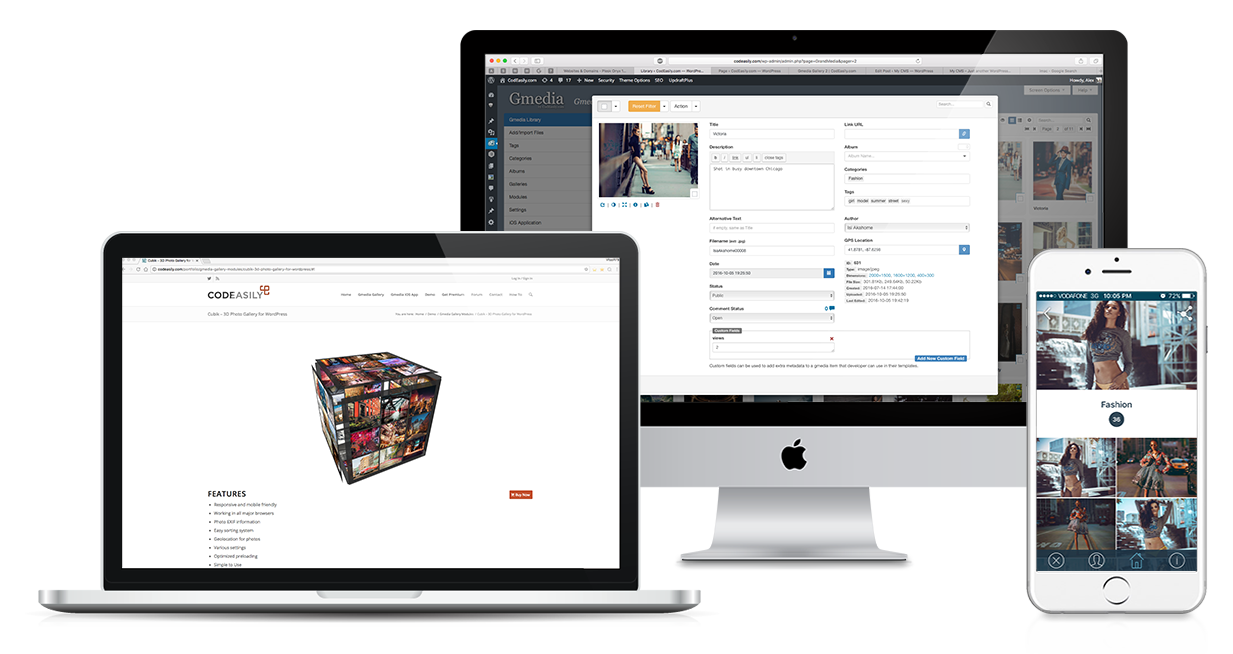
Creating a gallery should be easy and with this in mind we have designed the Gmedia Gallery – the best responsive WordPress gallery plugin. Here are the features that makes Gmedia Gallery the most powerful and user-friendly WordPress gallery plugin in the market.
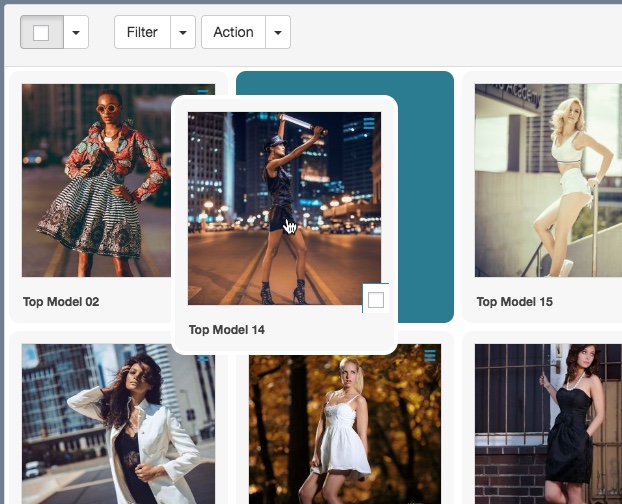
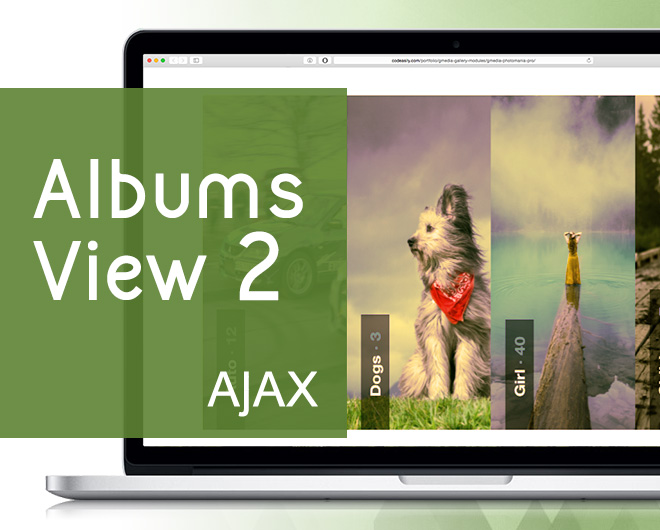
Easily create beautiful photo and video albums with just a few clicks.
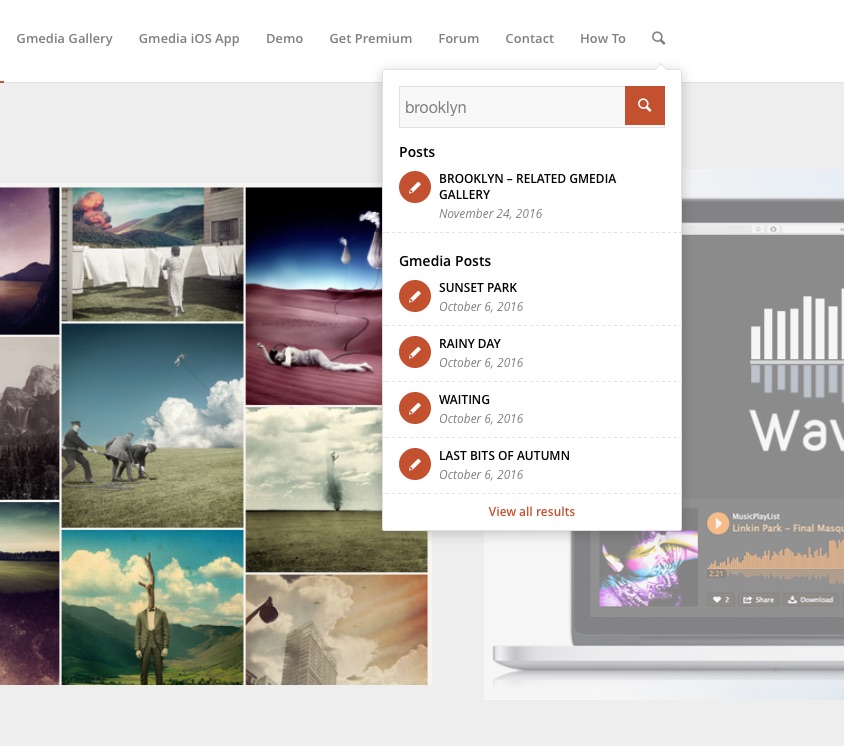
Search for media items and galleries via default WordPress Search Form.

Build responsive WordPress galleries that work on mobile, tablet and desktop devices.
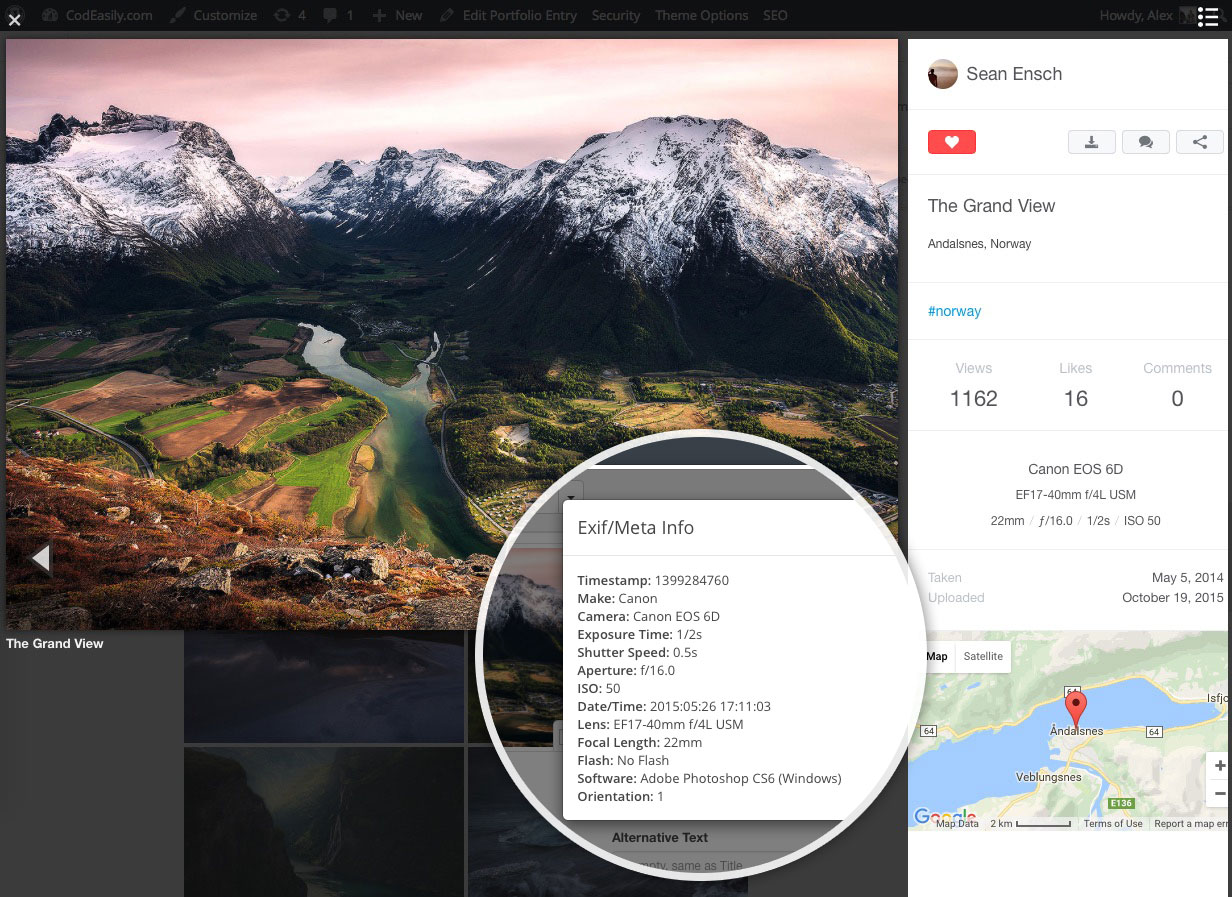
Display EXIF data including camera model, aperture, shutter speed, etc.
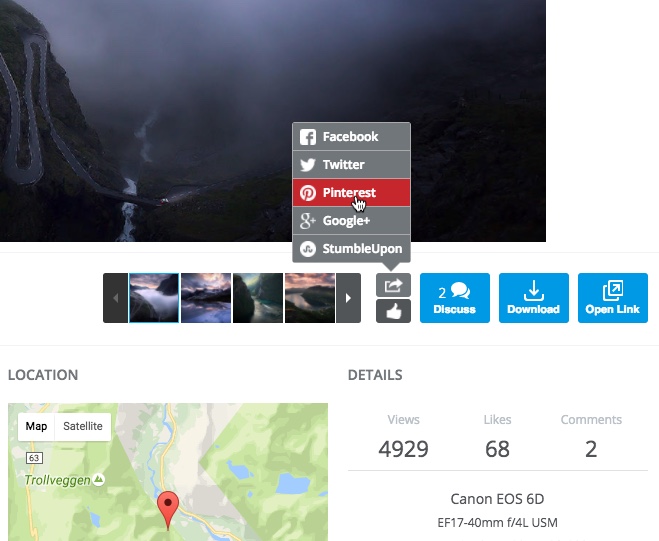
Share your photos on Facebook, Twitter, Pinterest and Google+.
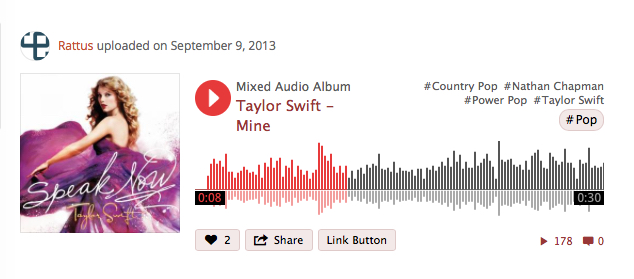
Not just for photos! Embed MP3, YouTube, Vimeo and custom videos in your gallery.
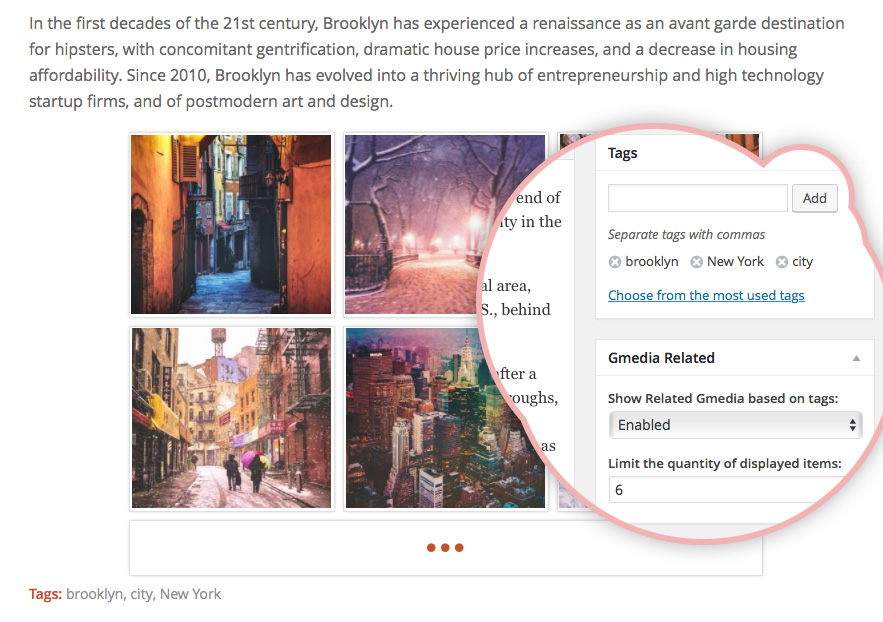
Show related media from Gmedia Library based on the Post tags.
For any WordPress theme. Every website design needs to be unique. With Gmedia Gallery, you can work with any WordPress theme of your choice. Though this WP Gallery Plugin was built to meet a professional photographer’s needs, it’s not limited to and can enrich anyone’s WordPress site.

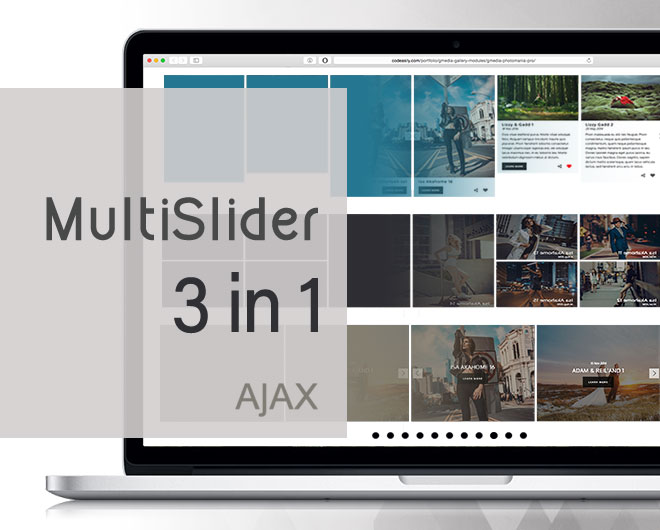
With our versatile plugin you can magically change the look and feel of your photo gallery, a huge selection of modules will help you embed the gallery in your posts and web pages making them feel complete. You will appreciate user friendly interface of admin panel, making the creation of unique and contemporary style gallery an easy and fun process, and attracting increasing attention from viewers.

Gmedia Gallery is the result of hundreds of hours of working to bring you the ultimate photo managing tool. With a lot of features, flexible options and a wide range of customizations, editing and publishing galleries, Gmedia Gallery is a smart addition to any blogger’s arsenal. Whether you’re photographer or a blogger, you’ll like the Gmedia Gallery plugin.
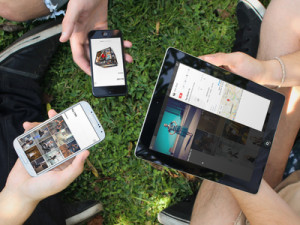
Gmedia Image Gallery plugin is fully responsive for different sizes of screen. So your users will enjoy the gallery using it on any device. Doesn’t slow down your website. Unlimited galleries on your website with unlimited customizations for each gallery. In addition, it has great SEO support, so each photo can have its own description, title and other related fields.
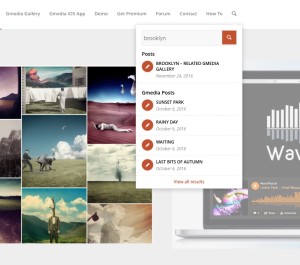
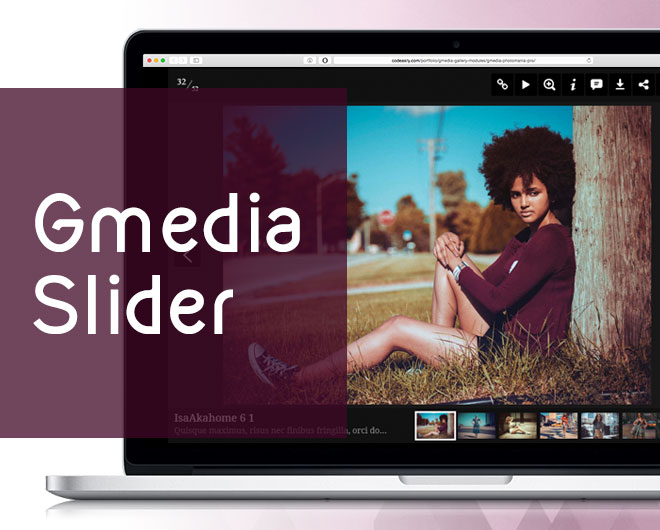
Create Slideshow Galleries with using tags and automatically add images to several galleries by assigning these tags to uploaded photos. Automatically create gallery in the Post page with related images based on the same tags.
Active installs & happy users
You can rest assured that every time you request assistance through email or on the Forum we will always deliver a quick and helpful reply.
Use the Gmedia plugin and keep up with the latest improvements via the automatic update system.
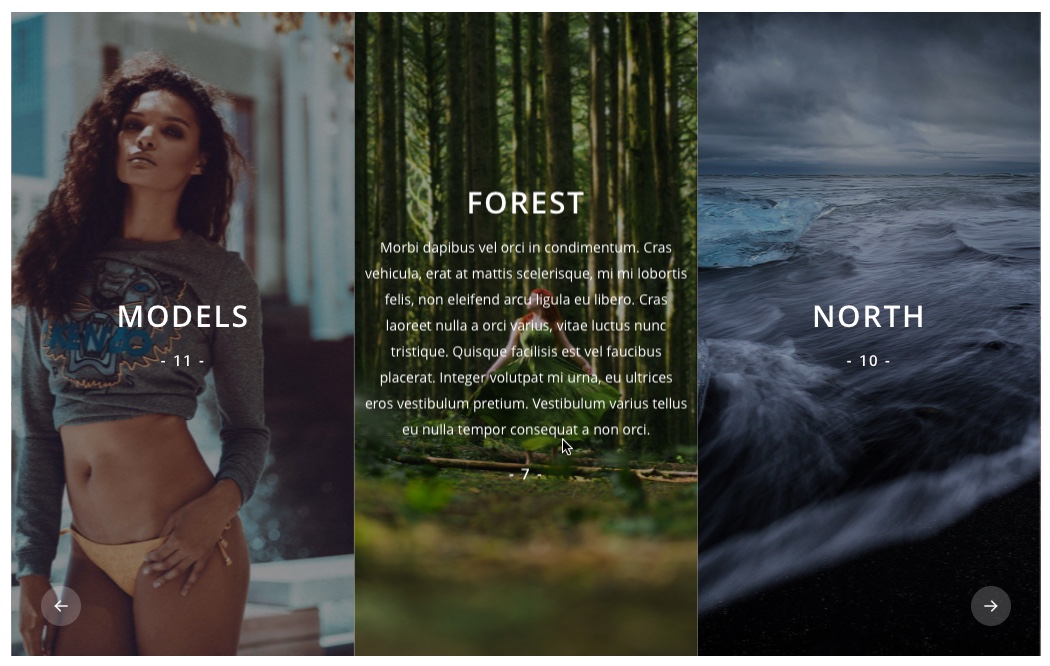 https://codeasily.com/fs/Albums-Stripes-CodEasily.com-2016-12-16-19-41-38.jpg
666
1050
Alex
https://codeasily.com/fs/codeasily-logo.png
Alex2016-12-16 20:49:592016-12-17 22:00:51How to create a photo gallery containing several albums
https://codeasily.com/fs/Albums-Stripes-CodEasily.com-2016-12-16-19-41-38.jpg
666
1050
Alex
https://codeasily.com/fs/codeasily-logo.png
Alex2016-12-16 20:49:592016-12-17 22:00:51How to create a photo gallery containing several albums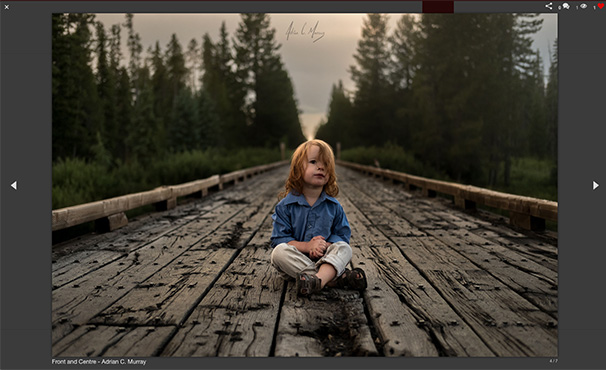 https://codeasily.com/fs/hotoNewGallery.jpg
370
606
Alex
https://codeasily.com/fs/codeasily-logo.png
Alex2016-11-30 13:04:542016-12-01 16:39:22How to Create an Image Gallery in WordPress
https://codeasily.com/fs/hotoNewGallery.jpg
370
606
Alex
https://codeasily.com/fs/codeasily-logo.png
Alex2016-11-30 13:04:542016-12-01 16:39:22How to Create an Image Gallery in WordPress https://codeasily.com/fs/newAlbum.jpg
185
303
Alex
https://codeasily.com/fs/codeasily-logo.png
Alex2016-11-15 13:01:212016-12-01 16:47:12Create a new Album and add your images
https://codeasily.com/fs/newAlbum.jpg
185
303
Alex
https://codeasily.com/fs/codeasily-logo.png
Alex2016-11-15 13:01:212016-12-01 16:47:12Create a new Album and add your images